This guide moved to chat.purpledge.io/guide/
Open the chat →VECTOR Chat
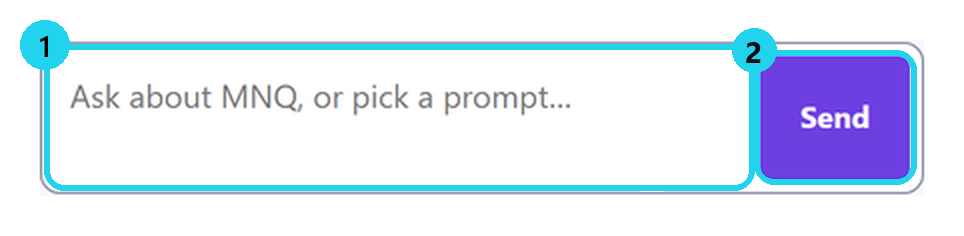
1Ask in your words
Write a question, then press Send.
2Your free messages
20 with a free PurplEdge account.

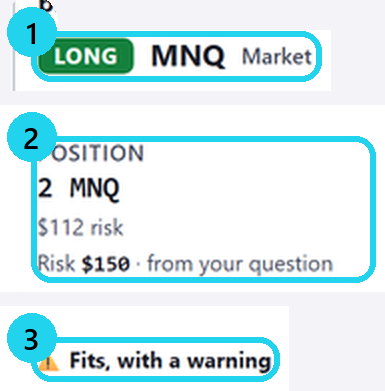
3A plan is advice, not an order
The chat never sends an order.
4Have a VECTOR key? Connect it
This step is changing soonOpen Account, paste your key, then Connect.
Help: the support chat
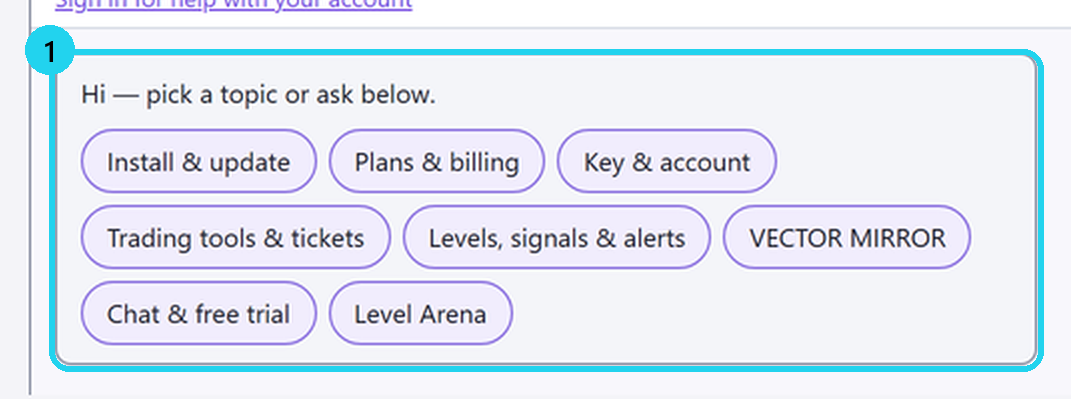
5Pick a topic
Choose the topic you need help with.
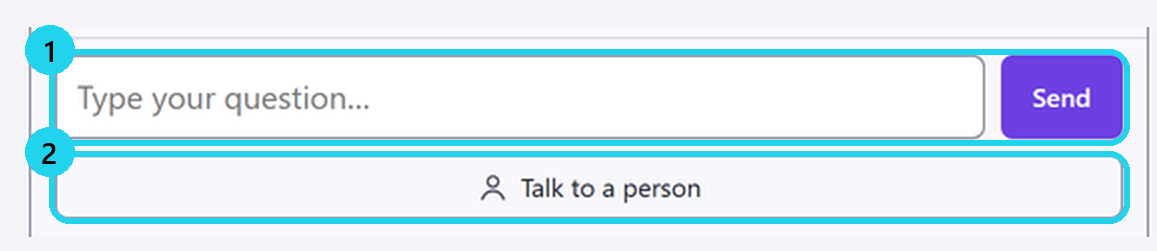
6Or ask — or talk to a person
Ask here, or tap «Talk to a person».
⚠ Never paste a key or a password. Support never asks for them.
More
- Inside VECTOR: the chat panel on your platform.
- Messages a month: Advantage 100 · Master 300 · Explorer — packs.
- One answer at a time · up to 6 questions a minute.
- A position without a stop? Check your platform first.
- Planned risk is an estimate; fees and slippage can increase losses. You decide every trade.
🎯 Practice in Level Arena
A training game: real moments when price touched a VECTOR level, from 2018 to today. Play each one as a trade — side, entry, stop, target and a time limit — then see the real outcome in R.
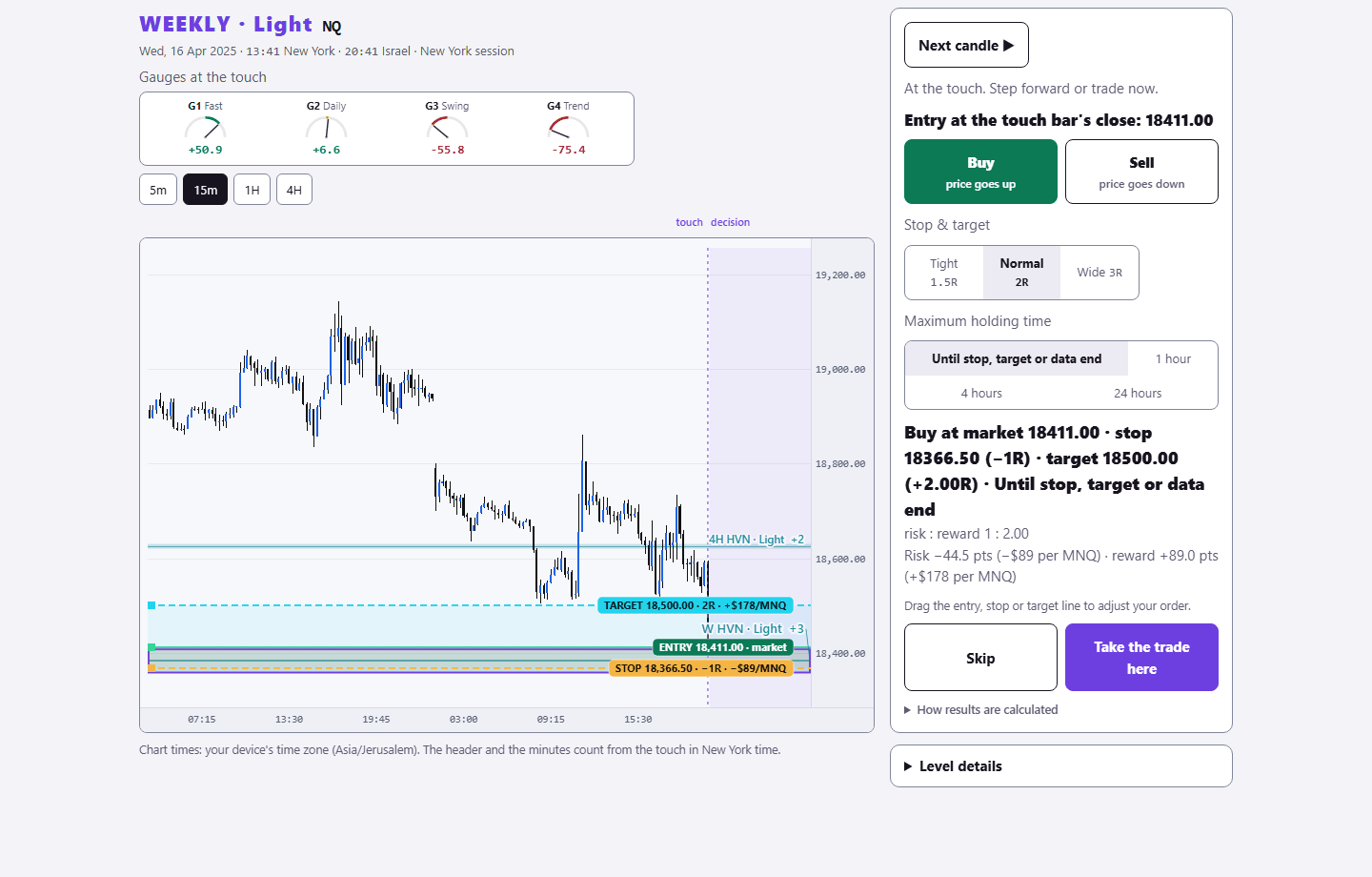
Sign in with your existing PurplEdge account. A free account gets one month from its first sign-in; paid plans have no end.
Practice in Level Arena →