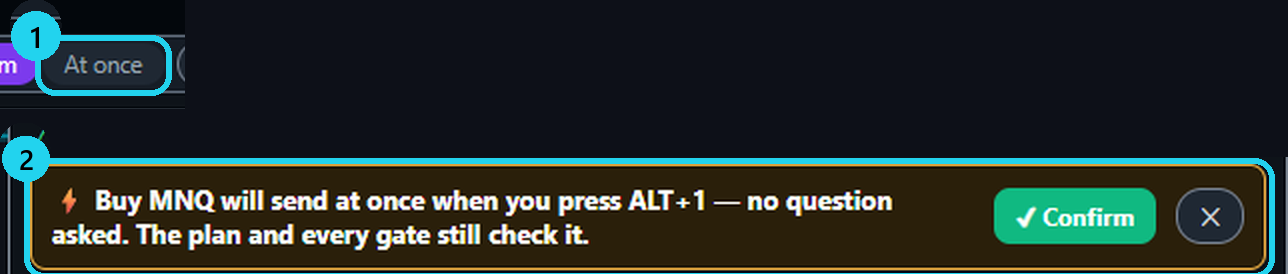
⚠ An «At once» template sends a real order when you press its shortcut, without confirmation. Check account, size and risk first.
New templates ask before sending. To restore confirmation, select «Confirm» on the template's row.
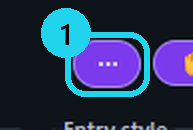
1Open the ⋯ menu
First, create a draft in the order ticket.
2Turn on ⌨ Hotkeys
Hotkeys are off by default.
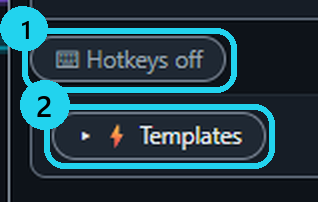
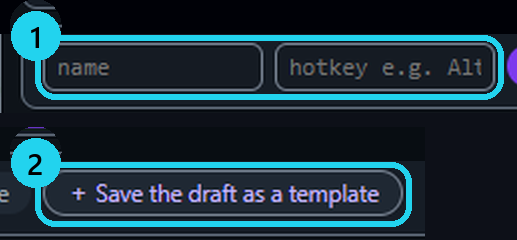
3Save the draft as a template
Enter a name and shortcut, then save.
4Select «At once» (optional)
Confirm once; your shortcut then sends immediately.
The keys
Alt+Bbuy draftAlt+Ssell draftAlt+Pplace (asks while Confirm is on)Alt+Ebreak-even — always asksAlt+Xclose position — always asksEscdrop the draftAlt+1…9your templatesShift+Hhide / show analysis marks — your orders stay
More
- A new template starts on Confirm: it fills the ticket and asks before sending. To leave «At once», click Confirm on its row.
- The server still checks your plan and the contract cap. Without a saved plan, the daily rules are not checked.
- Hotkeys work only while the platform's tab has focus, never while you type in a field. Shift+H works with hotkeys off too.
- VECTOR MIRROR has no «At once»: the ticket's Confirm switch decides whether it asks.
- In NinjaTrader: a ticked template box = asks before sending; unticked = sends at once.
- Pictures from the TradingView extension on a test page. The other extensions look the same.
🎯 Practice in Level Arena
A training game: real moments when price touched a VECTOR level, from 2018 to today. Play each one as a trade — side, entry, stop, target and a time limit — then see the real outcome in R.
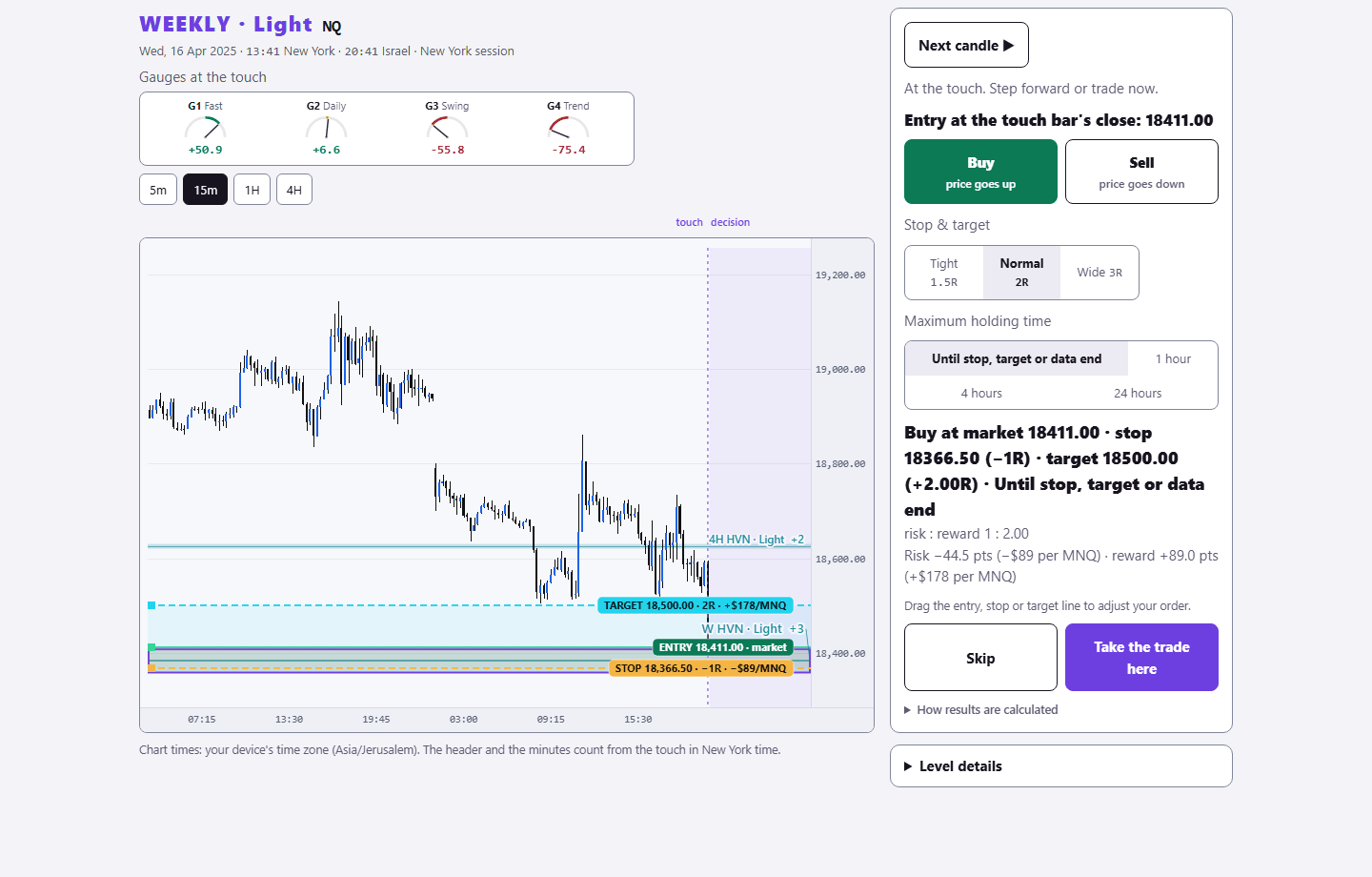
Sign in with your existing PurplEdge account. A free account gets one month from its first sign-in; paid plans have no end.
Practice in Level Arena →