⚠ Turning off TopstepX's copier closes followers' positions. Turn it off or change groups only when no positions are open.
1Choose the lead account in TopstepX
The copier sends its trades to followers.
2Check VECTOR's selected account
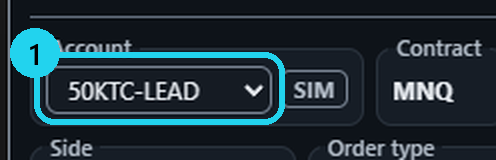
In Trade, set Account to your lead account.
3Don't connect follower accounts to VECTOR
Connecting followers duplicates trades.
«Position Brackets» on the account? That's fine: within 3 seconds VECTOR moves the stop to your planned distance. No DCA ladders on such an account.
More
- TopstepX attaches the stop at the fill, and VECTOR moves it to the distance you planned from your actual fill — and tells you what it did.
- The account names in the picture are examples.
🎯 Practice in Level Arena
A training game: real moments when price touched a VECTOR level, from 2018 to today. Play each one as a trade — side, entry, stop, target and a time limit — then see the real outcome in R.
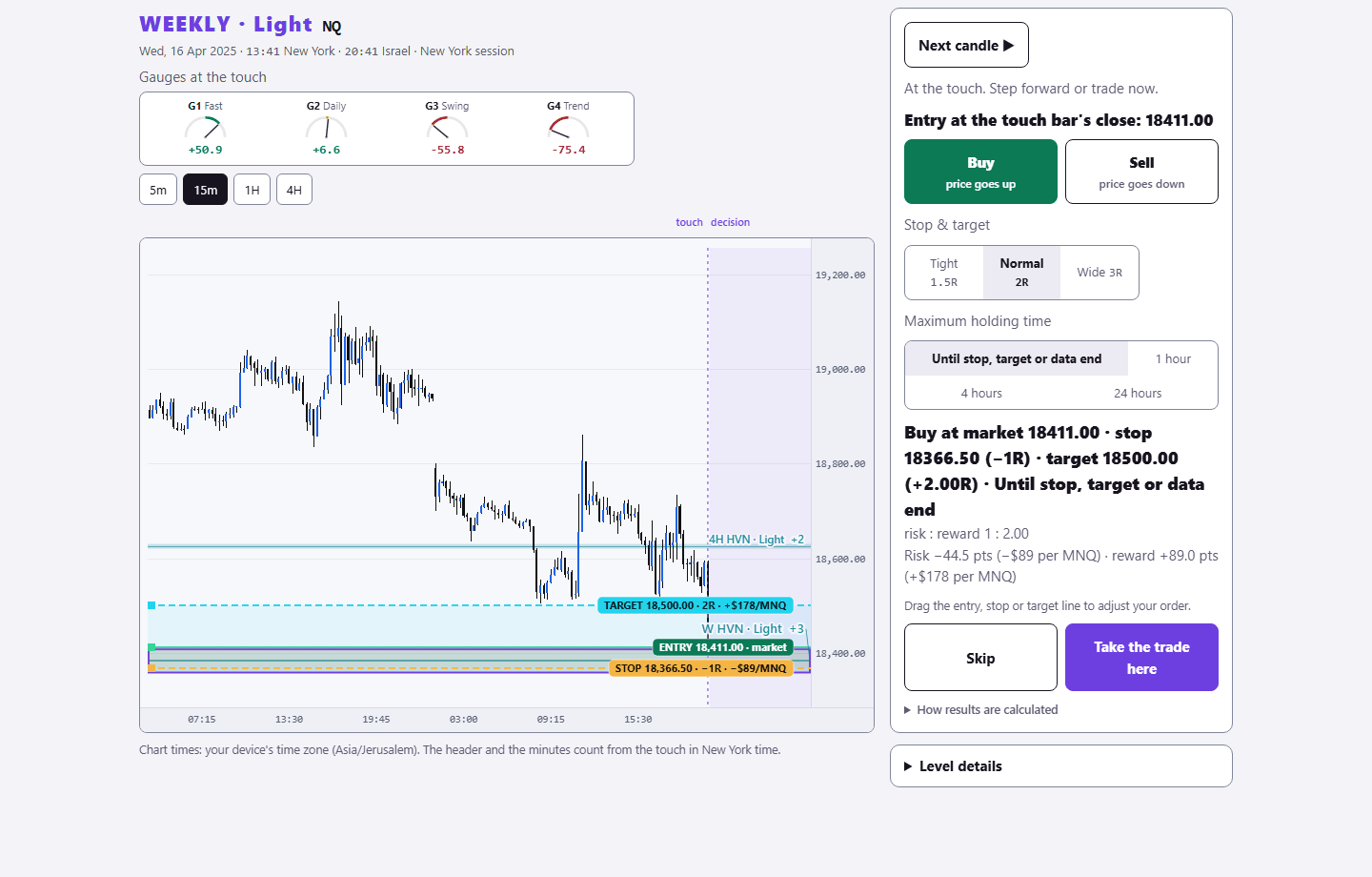
Sign in with your existing PurplEdge account. A free account gets one month from its first sign-in; paid plans have no end.
Practice in Level Arena →