1Download VECTOR Setup
Tick NinjaTrader, then install. Install guide
2Close and reopen NinjaTrader
So it loads the add-on.
3Connect your broker
Control Center ▸ Connections, as your firm instructs.
4Check the VECTOR connection
This step is changing soonNew ▸ VECTOR: connected? If not, paste your key.
5Add VECTOR to the chart
Open a chart, right-click, Indicators, VECTOR System, OK.
6Pick the account
In VECTOR's trade bar. Choose SIM first.
Updates
7«↓ Update» in the header
Installs when no position or order is open.
8Load the update
Click «✓ Updated · Load», or restart NinjaTrader.
⚠ VECTOR sends only to the account shown in the bar (LIVE in red = real money), only on your click.
⚠ Contact support with your Support ID — never your key.
Something not working?
- Empty chart after an update? Click «✓ Updated · Load», or close NinjaTrader completely and open it again.
- A failed update changes nothing. Updates install only a complete, signed set; otherwise: «The update was NOT installed… install with VECTOR Setup».
- Which version is installed? From 1.29.60 the VECTOR window shows the version and its build date. No build date? That's not a release — install again with VECTOR Setup.
- Compile errors that name VECTOR? Install again with the latest VECTOR Setup and restart. Move backup copies of VECTOR's files out of NinjaTrader's folders.
- «Access to the path … is denied» when importing? OneDrive can set the NinjaTrader 8 folder to read-only. Close NinjaTrader, open Command Prompt (a normal one, not as administrator) and run:
attrib -R "%USERPROFILE%\Documents\NinjaTrader 8\*" /S /DIf your Documents folder is in OneDrive, use this path instead:%USERPROFILE%\OneDrive\Documents\NinjaTrader 8Then import again. Nothing is deleted. From VECTOR 2.6.61 the add-on checks the folders itself and offers «Fix it». - «This computer's install signature was not accepted»? Connect again. If it repeats, contact support with your Support ID. Don't reinstall again and again or delete files.
- Stuck? Contact support with your Support ID — never the key.
🎯 Practice in Level Arena
A training game: real moments when price touched a VECTOR level, from 2018 to today. Play each one as a trade — side, entry, stop, target and a time limit — then see the real outcome in R.
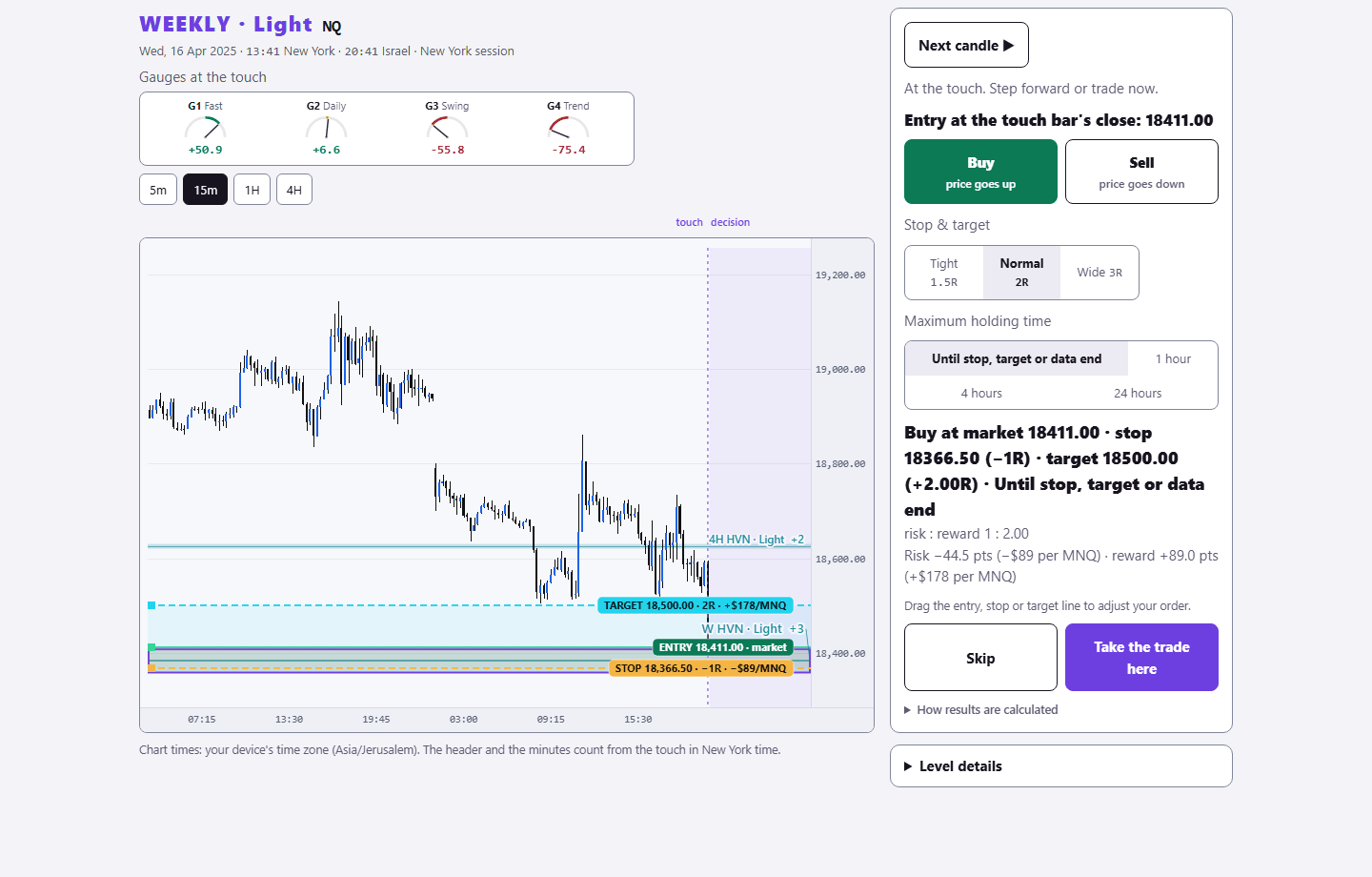
Sign in with your existing PurplEdge account. A free account gets one month from its first sign-in; paid plans have no end.
Practice in Level Arena →